
Appearance
Sign-In
Progress Edu. uses a multi-step sign-in process. First, enter your email address to determine your login method, then enter either your passcode (OTP) or password depending on your role.
Parents and Guardians
You can access your student's reports by signing into Progress Edu. with the email you provided to your student's school. Here's how you sign-in:
Go to your school's Progress Edu. instance in your web browser (e.g.,
fatima.progressedu.org).Enter your email in the Email input field and click Next.
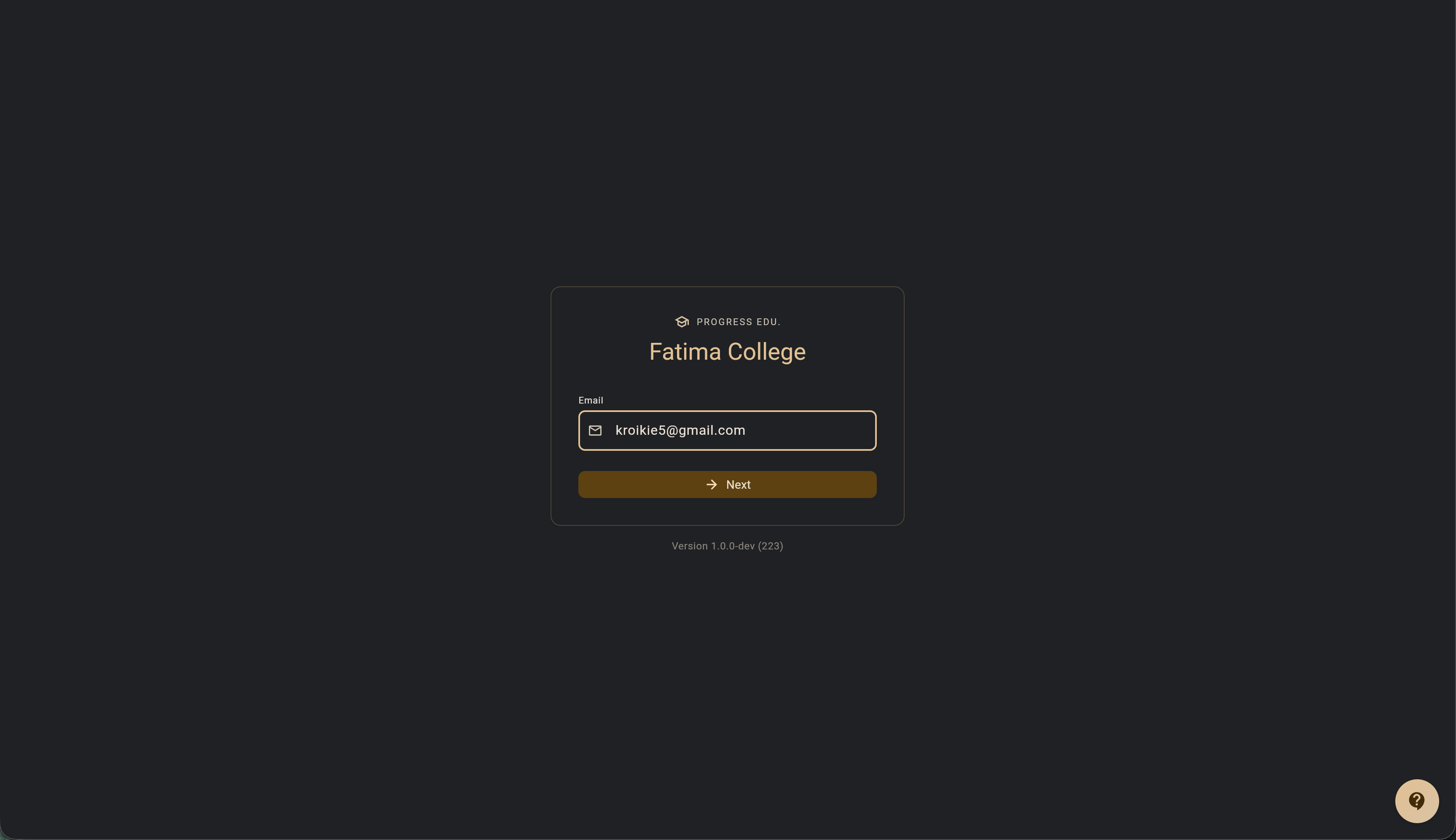
Progress Edu. will send a one-time passcode to your email.
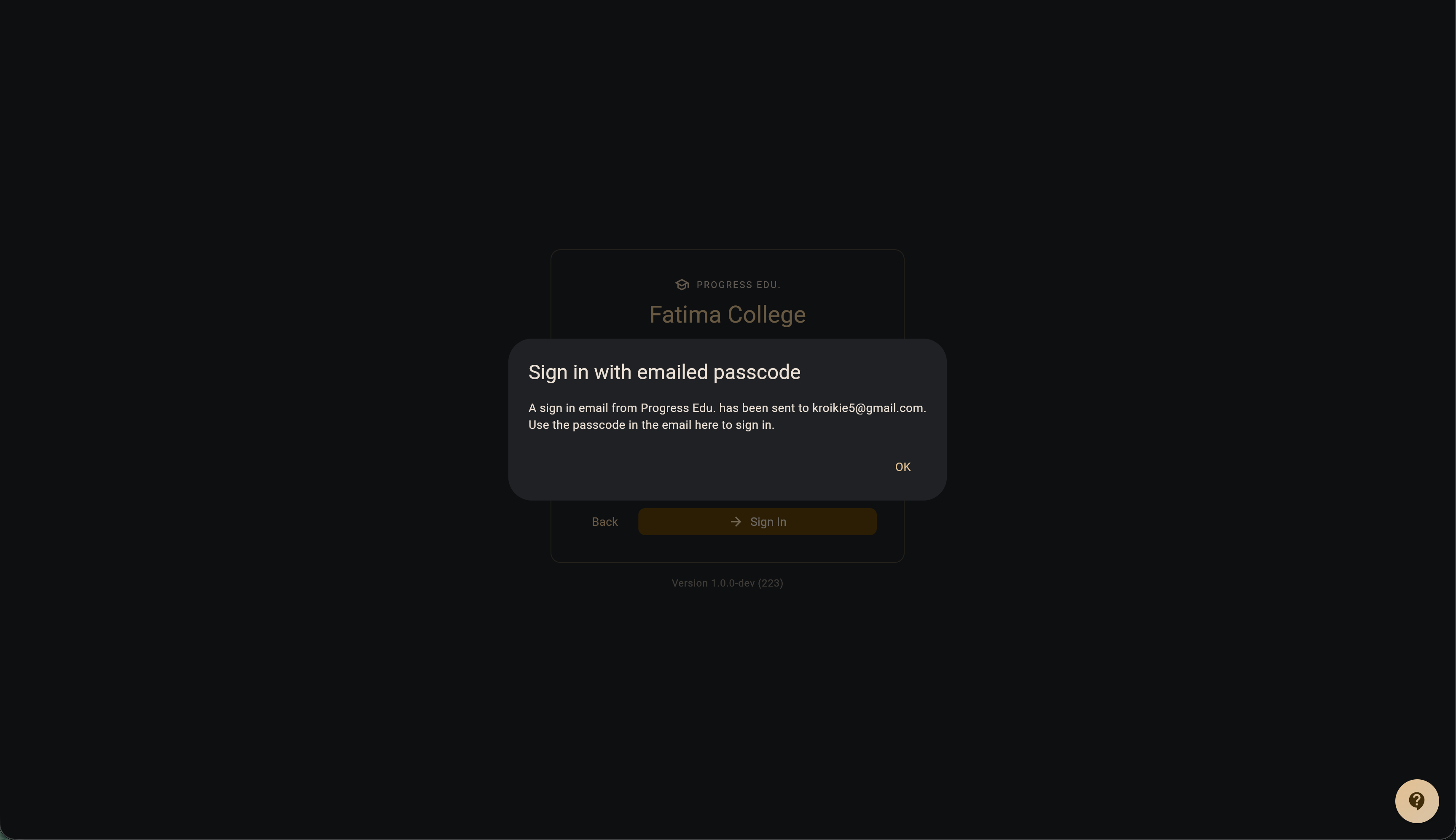
Copy the passcode from your email and enter it in the Passcode input field.
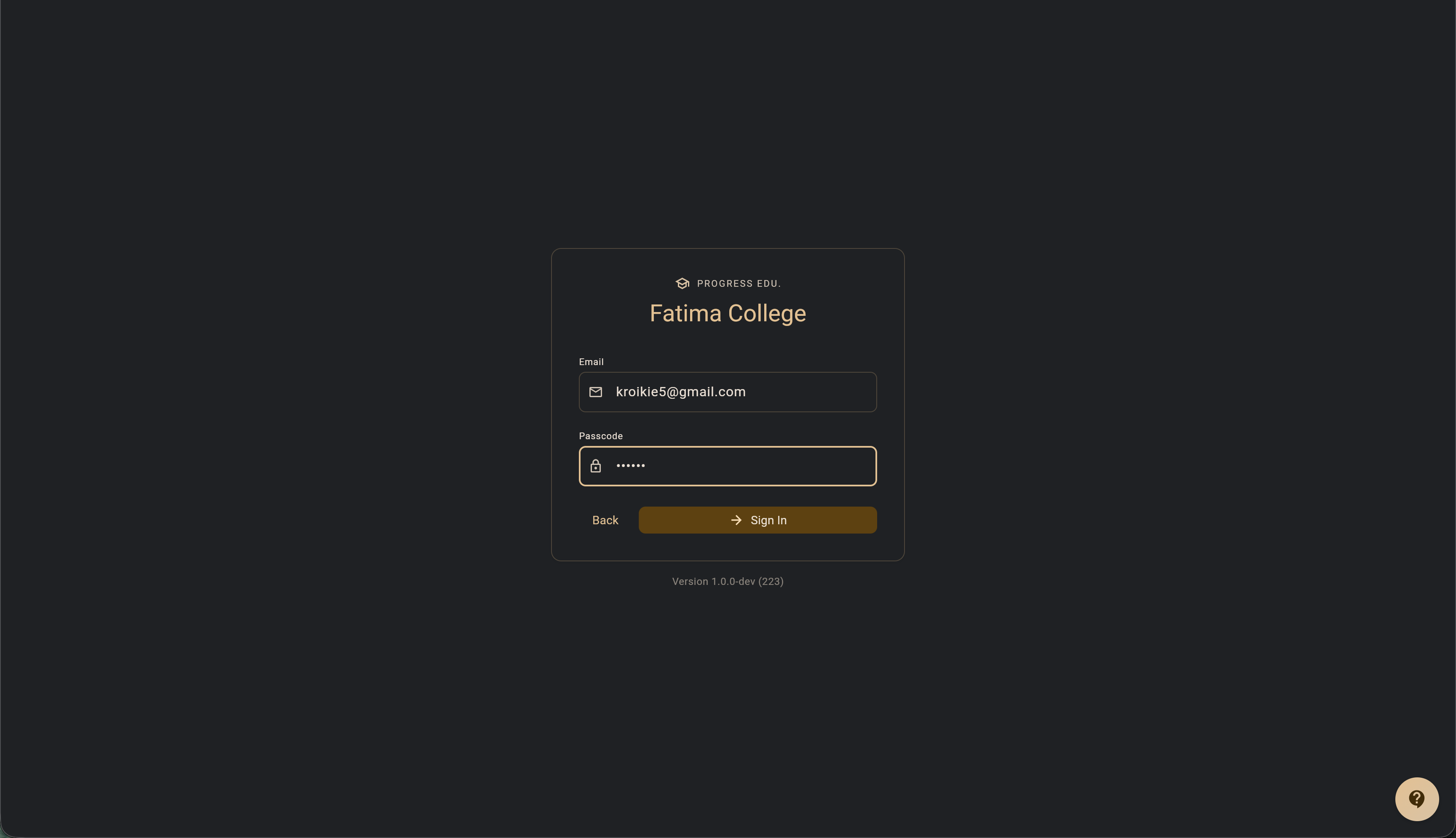
Click Sign In (or Submit).
Upon signing in, the Report Book tool will be available to access your student's reports.
Students
Students can sign in using their registered school email address. Here's how you sign-in:
- Go to your school's Progress Edu. instance in your web browser (e.g.,
fatima.progressedu.org). - Enter your school email address in the Email input field and click Next.
- Progress Edu. will send a one-time passcode to your school email address.
- Copy the passcode from your inbox and enter it in the Passcode input field.
- Click Sign In (or Submit).
Note: Students follow the exact same passcode-based sign-in flow as parents and guardians (shown in the screenshots in the section above).
Upon signing in, you will have access to the Report Book tool to view your academic reports.
Staff
All staff members will be provided with credentials to sign into Progress Edu. Your "School Supervisor" will also be able to reset staff credentials. Here is how you sign-in:
Go to your school's Progress Edu. instance in your web browser (e.g.,
fatima.progressedu.org).Add your email to the Email input field and click Next.
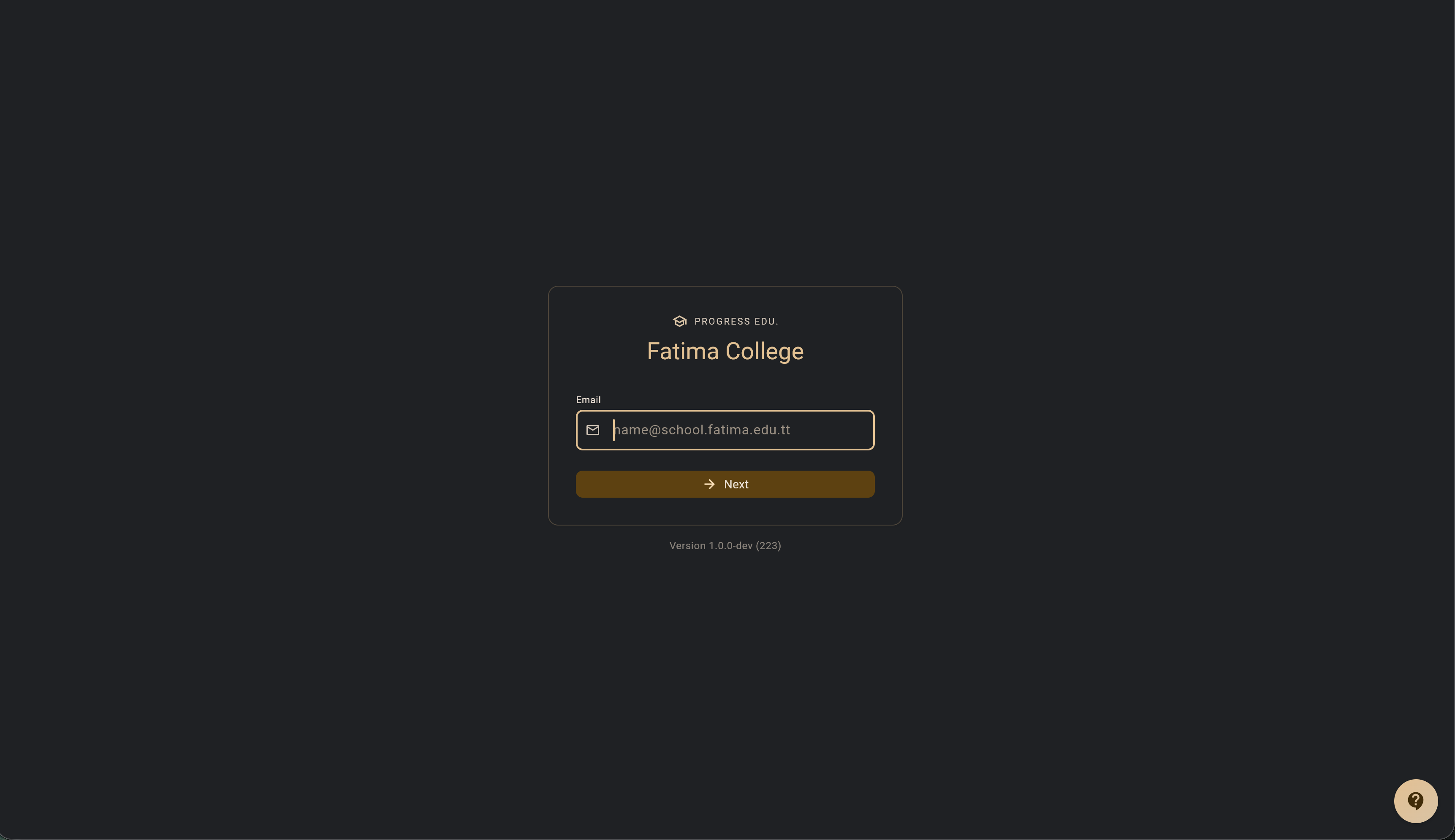
Add your password to the Password input field.
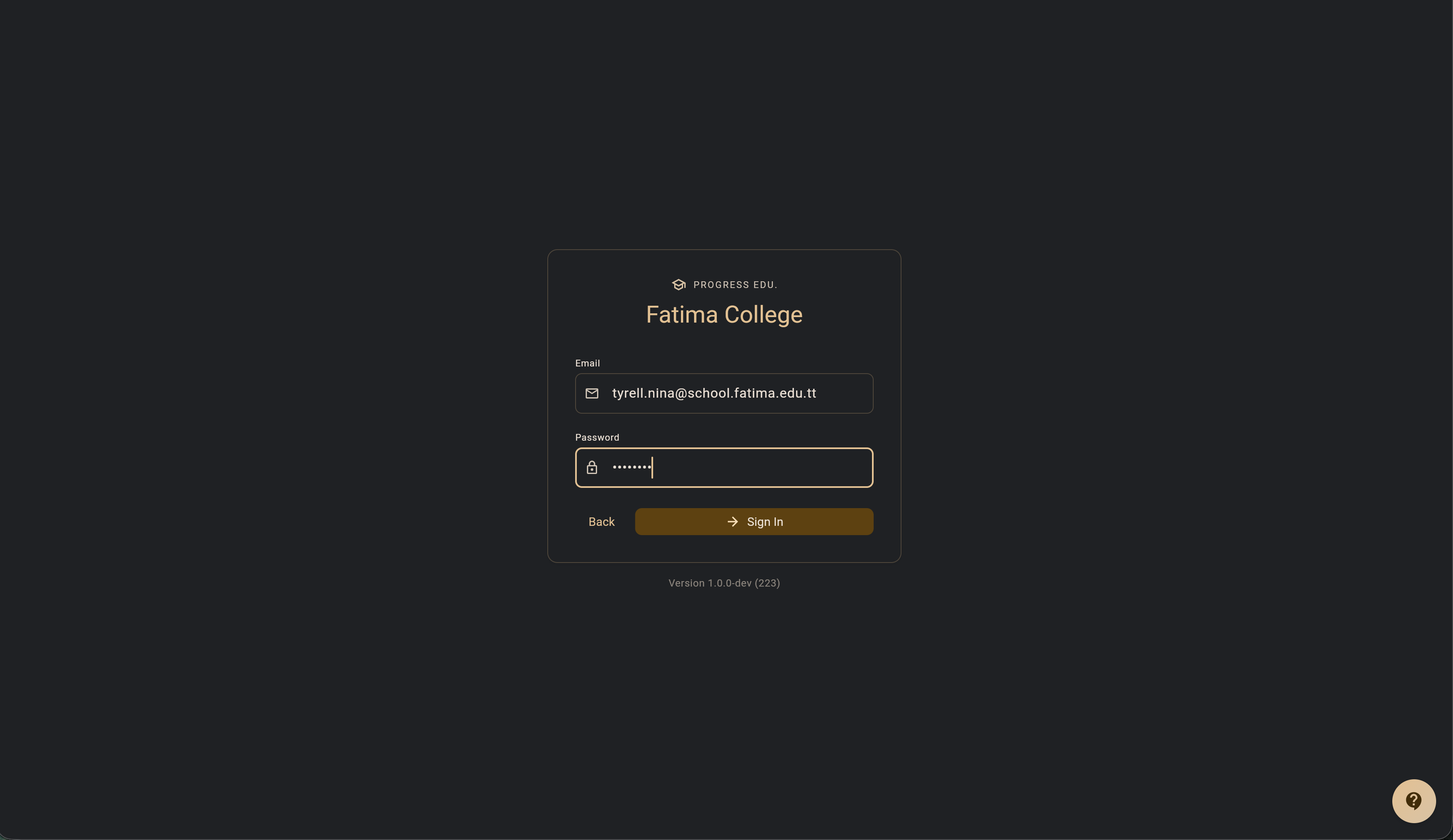
Click Sign In (or Submit).
Staff members are assigned tools by the "School Supervisor". All assigned tools will be available upon signing in.
School Selection on Mobile Apps (Android & iOS)
While web users access their school directly via their school-specific domain (such as fatima.progressedu.org), the native Progress Edu. mobile app serves all participating schools through a unified application:
- Initial School Selection: When opening the mobile app for the first time, you will be presented with the Select Your School screen.
- Find Your School: Use the search bar to locate your school by name or location (e.g., "Fatima College").
- Connect & Sign In: Tap your school card to connect to your school's instance. The app will remember your school selection and proceed directly to the Sign-In screen.
- Switching Schools: If you teach or have students across multiple schools, or need to connect to a different institution:
- Navigate to Settings from the main menu.
- Under the School Tenant section, tap Switch School.
- Confirm the prompt to return to the school selection screen and pick a different school.
Mobile Sign-In Experience
Progress Edu. is optimized for mobile browsers and touch devices:
- Smart Input Focus: Automatic input autofocus is disabled on mobile screens to prevent the virtual keyboard from abruptly popping up, shifting the viewport, or triggering premature validation messages when the page loads.
- Tap to Dismiss Keyboard: Tapping anywhere outside the email, passcode, or password fields immediately dismisses the on-screen keyboard, keeping the full screen visible and accessible.
- Adaptive Viewport: The sign-in interface dynamically adapts to mobile screens and orientation changes, eliminating viewport gaps and layout clipping.
System Status Alerts
If the system is undergoing scheduled maintenance or experiencing temporary technical difficulties, school supervisors may enable a global status alert banner. When active, this message is displayed at the top of the sign-in screen and the home dashboard to keep you informed of active outages or maintenance windows.
Application Updates
Progress Edu. regularly deploys performance improvements and new features. When a new release is available, an in-app update notification banner will appear at the top of mobile screens or on the navigation rail on desktop screens. Simply click Update Now to reload the application and immediately receive the latest version.
TIP
Having trouble signing in? If you cannot log in or do not receive your passcode, click the floating support icon (contact support icon) in the bottom-right corner of the sign-in screen to submit a support request.